

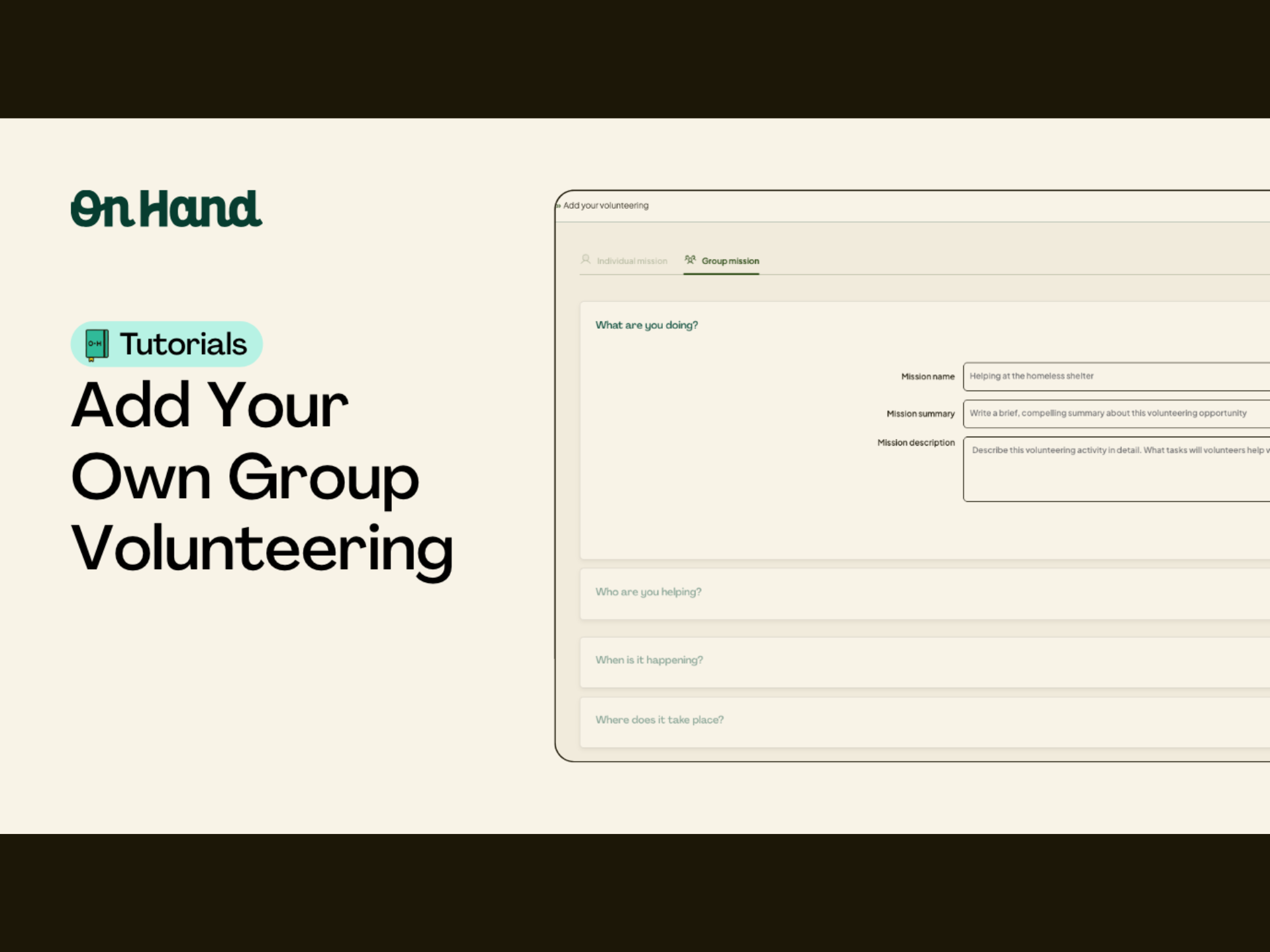
You can now add your own group volunteering to your OnHand dashboard.

Our quick ‘mission builder’ allows you to create your own custom missions so you can track and get rewarded for the good that you do!

Welcome to OnHand! This video will show you an overview of how to use the mobile version of the OnHand platform.

Welcome to OnHand! This video will show you an overview of how to use the desktop version of the OnHand platform.

If you need some guidance on how to use Single Sign On, watch this step by step tutorial!

We work with so many amazing brands and we want give everyone the opportunity to co-brand with us on our campaign posters. Watch this tutorial to understand how to add your logo to our posters.

Learn how to download selfies and images that your team has uploaded when they've completed missions on the app.
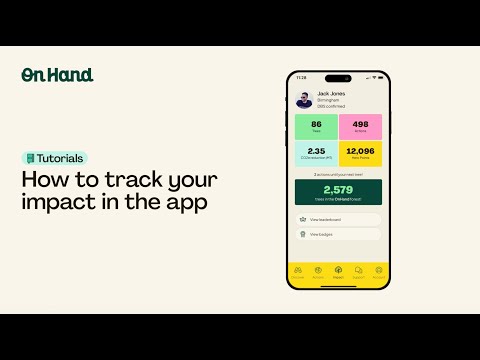
Discover how to track your impact in the OnHand app, including Hero Points earned, trees planted, and actions completed.

Watch our tutorial to discover how to edit your OnHand account, including elements like location, team, and profile picture.

Discover how to find a volunteering opportunity on the OnHand app that is best suited for you!

Watch this guide to find out how to make the most of the habit tracker feature!

Watch this short tutorial to discover how to use your leaderboard to find out how your teams are doing, especially if you are running an internal competition.
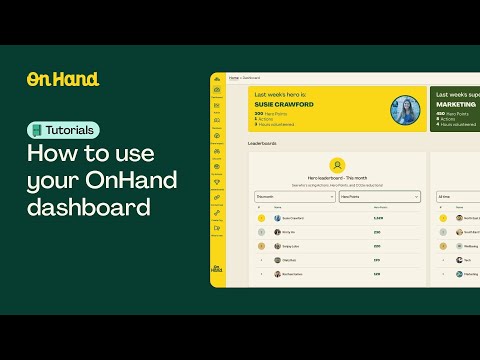
Watch this walkthrough on OnHand's data dashboard to make sure you're getting the most out of our platform!
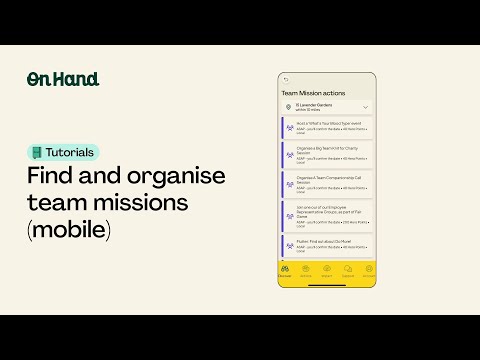
Watch this short tutorial to learn how to find and organise teams on the OnHand app.

Watch this short tutorial to learn how to add teams on the admin dashboard!
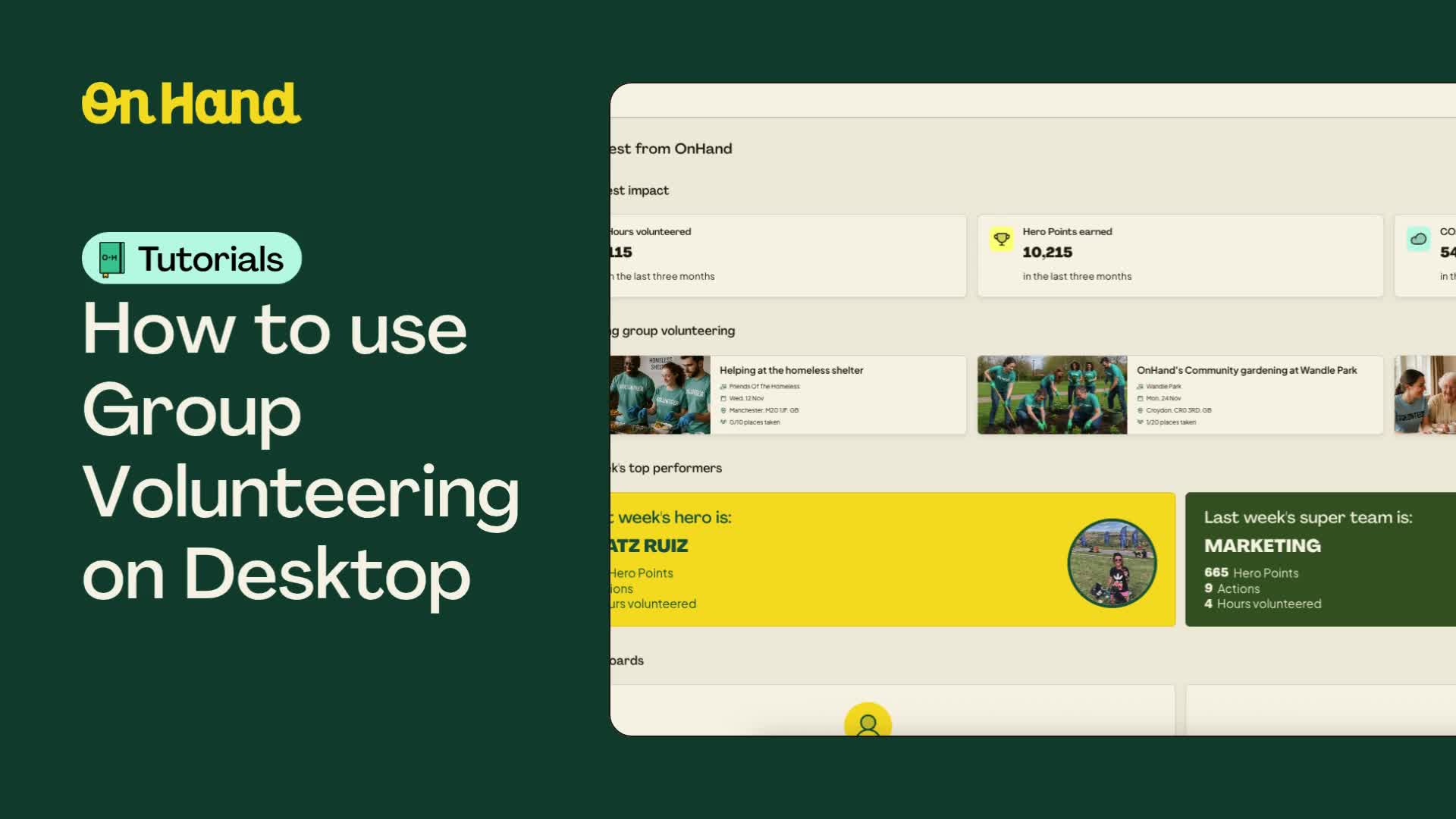
See how to explore, manage and share your team’s group volunteering events.
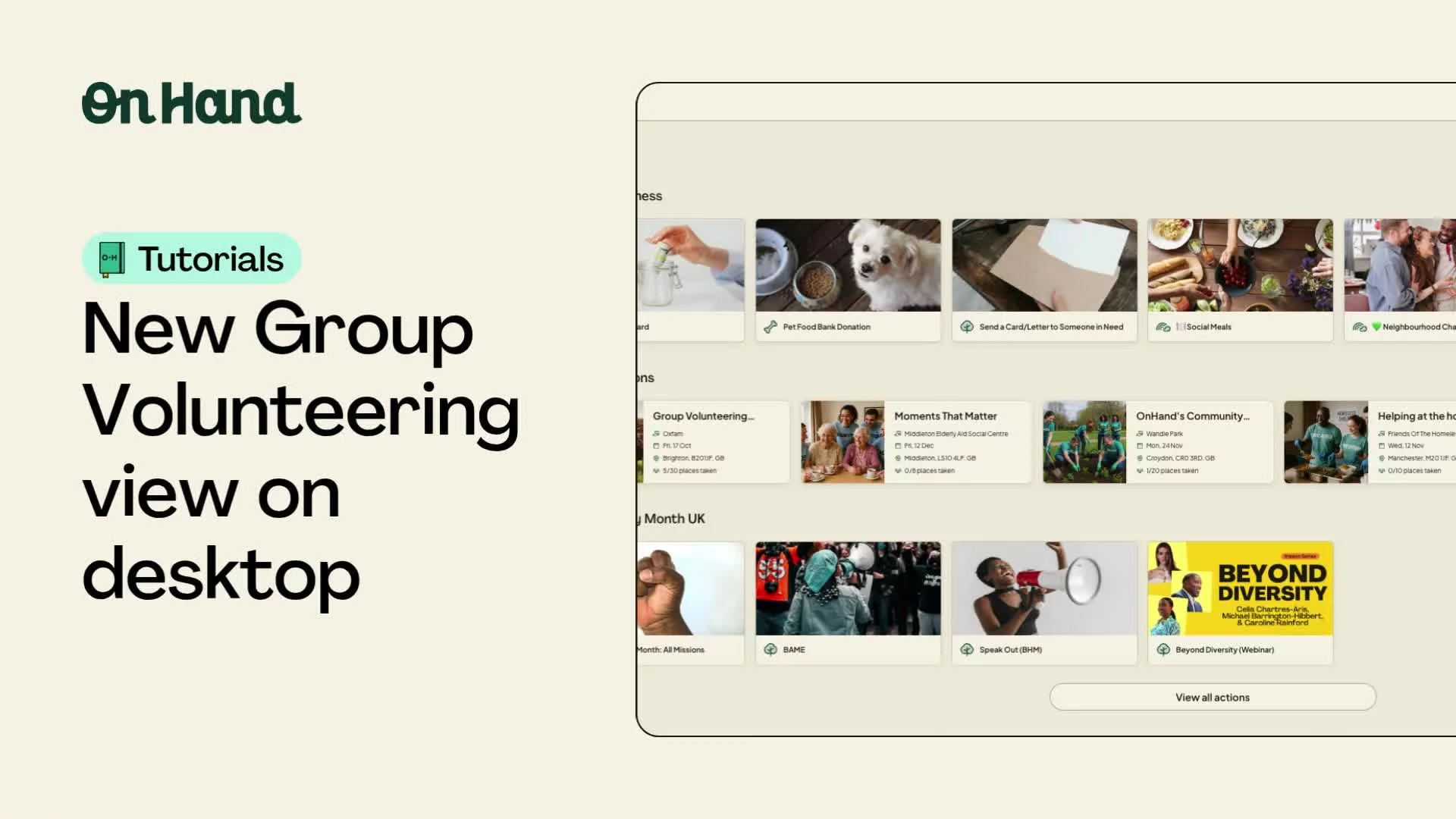
Discover and join your company’s upcoming group volunteering events directly from the desktop view.